I’ve started testing match management in JL6. There are a few differences.
I would appreciate some clarification on them.
In time, a tutorial for those starting from scratch would also likely be useful.
In JL3, the basic score is added from the “matches” view.
Furthermore, it is not possible to provide only the final outcome; the system requires the result for every part of a meeting to be entered. In my view, this should be an optional feature. When dealing with a large number of meetings, it creates a significant amount of extra work—and most people will likely focus on detailing the results for their own team rather than for the entire project.
Enter a numeric score for every participant in each included segment.
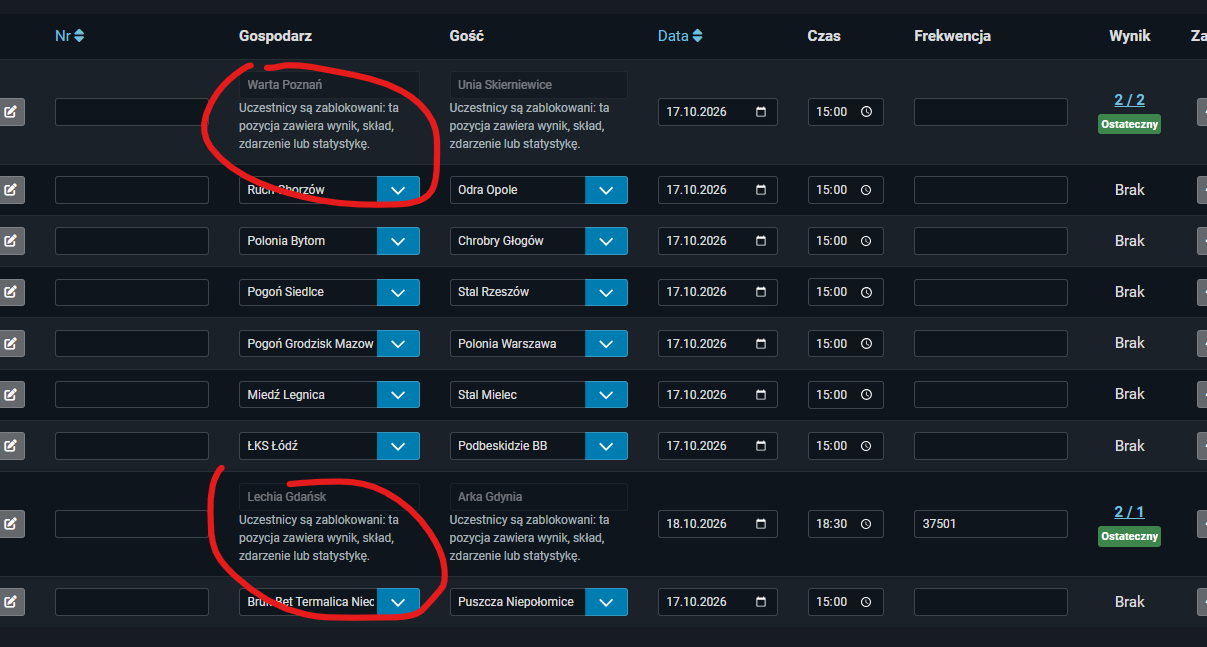
Once the final results have been entered, a message appears throughout the match page.
If this message is necessary, it should instead be displayed as a tooltip that appears when hovering over a given team.
Thank you for the detailed feedback and comparison with the older version. We have incorporated the following changes into the upcoming RC2:
Entering scores directly in the match list
For supported matches with two participants and a numeric score, you can enter or correct the final score directly in the list without opening the full editor. Zero scores are supported.
Where the sport profile allows it, you can save just the final score without entering halves or other match segments. The full editor remains available for detailed and more complex results.
Participant lock information
We have moved the explanation into a tooltip on the lock icon. The protection itself remains: participants cannot be replaced when results, lineups, events or statistics already reference them. This does not prevent normal lineup or result editing.
Assigning players, staff and officials
We have fixed and tested these assignments, including adding and removing officials.
Assignment overview
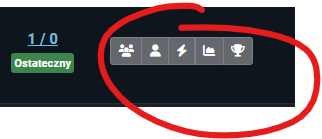
The relevant actions now display active-record counters. The lineup count includes both players and staff; officials, events and statistics have their own counters.
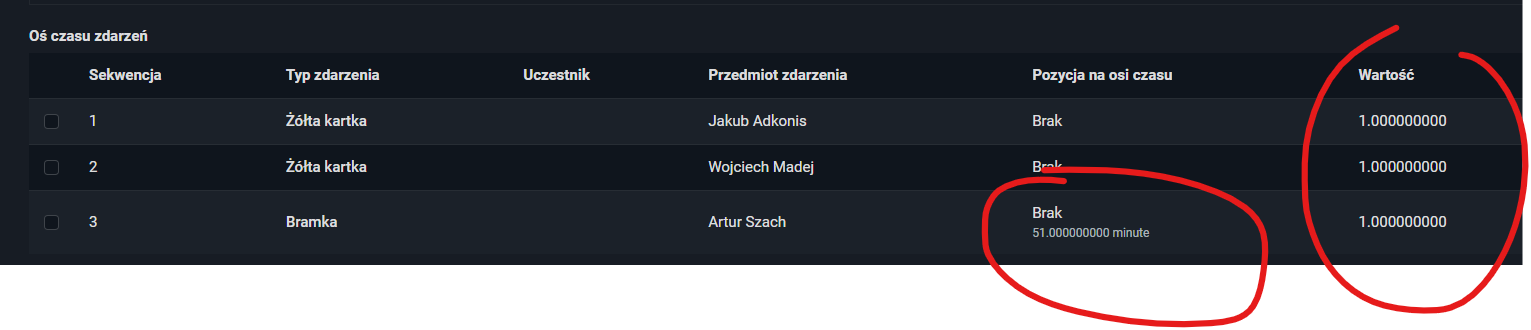
Unnecessary decimal zeroes
Numeric event values are now displayed without insignificant trailing decimal zeroes. Meaningful fractional values are preserved.
We have verified these changes on both MariaDB and PostgreSQL, including the back-end and public views. They will be included in RC2.
In the tab where players are assigned, I would add buttons to sort by position/surname, or at the very least, display the data alphabetically. I have attached screenshots showing how it looks currently versus how it appeared in the old version.