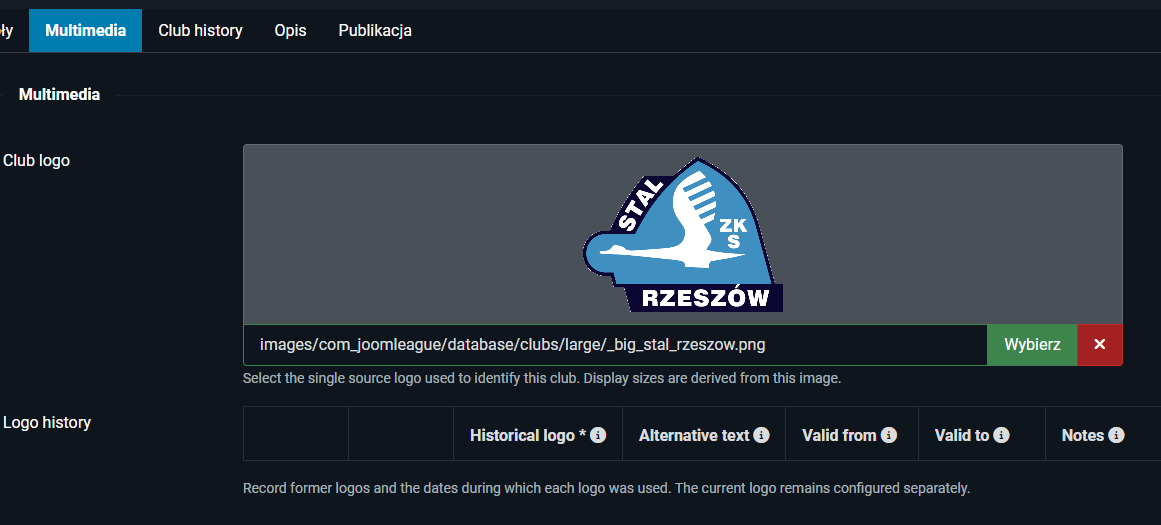
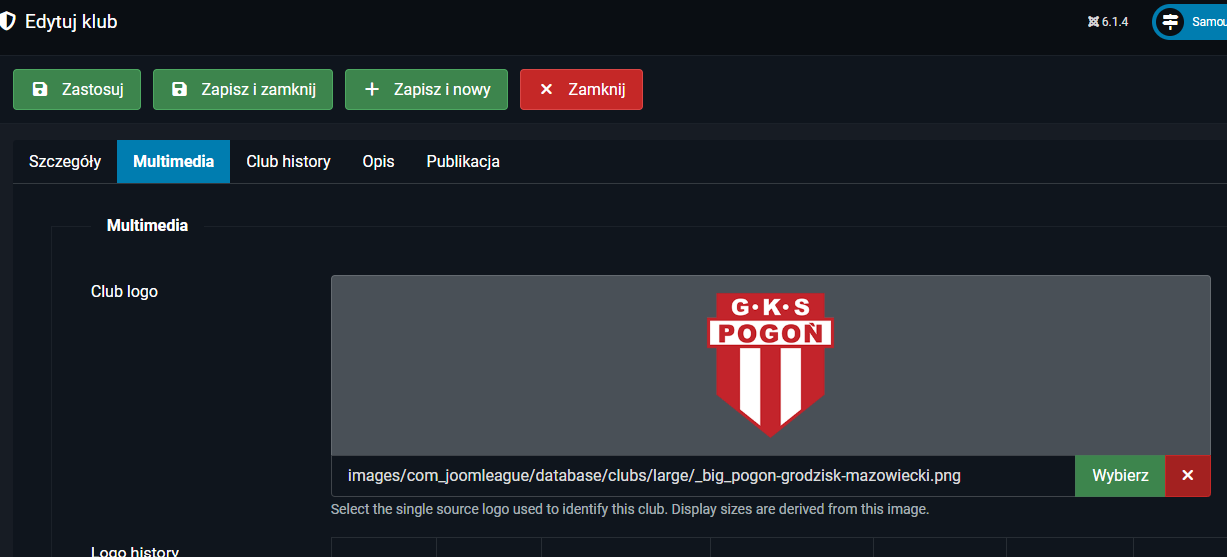
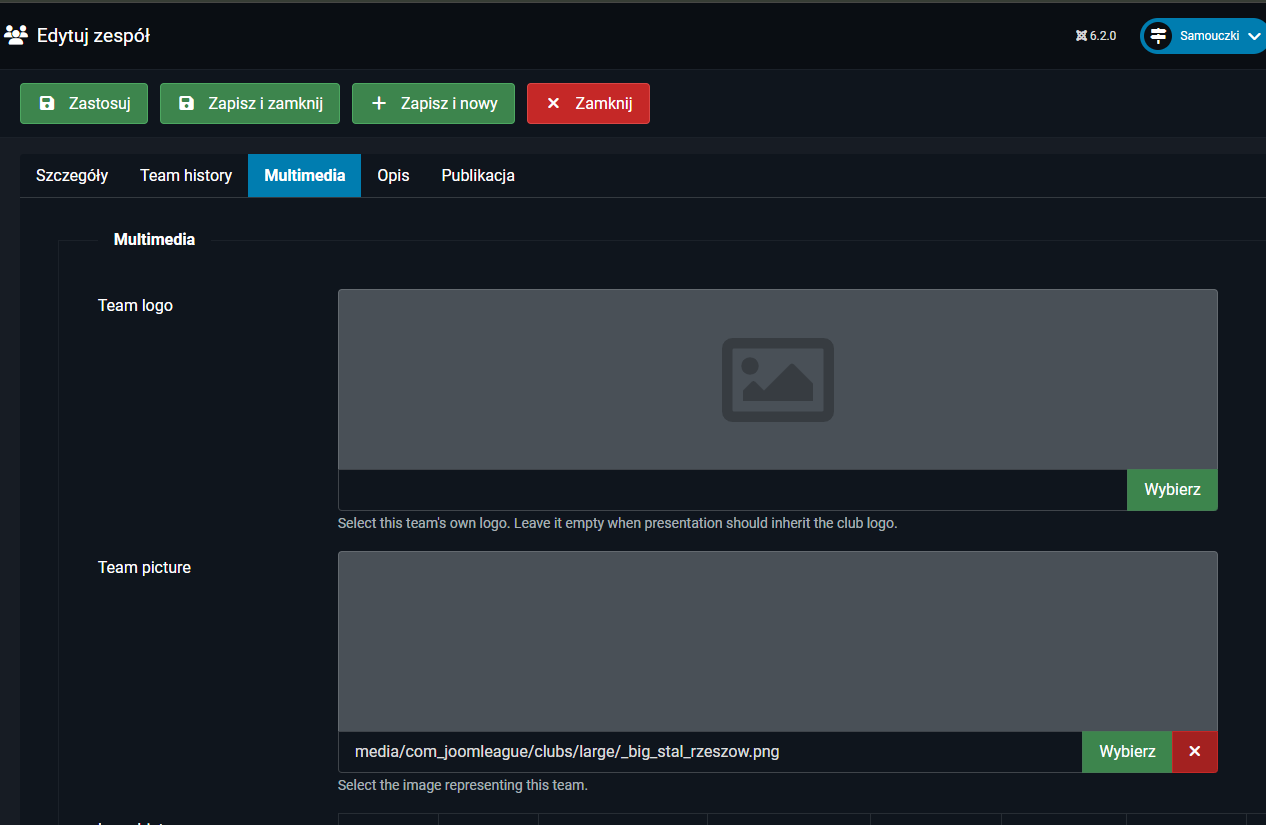
In the old version, we created three logo versions: large, medium, and small. They were linked to the Club, and through the Club, to the teams in projects.
Path
images/com_joomleague/database/clubs/large/
etc..
In the new version, the logo isn’t showing up.
Hi, thank you for the detailed description and screenshots.
In the upcoming RC release, we have fixed image path resolution and the way teams inherit their club’s logo.
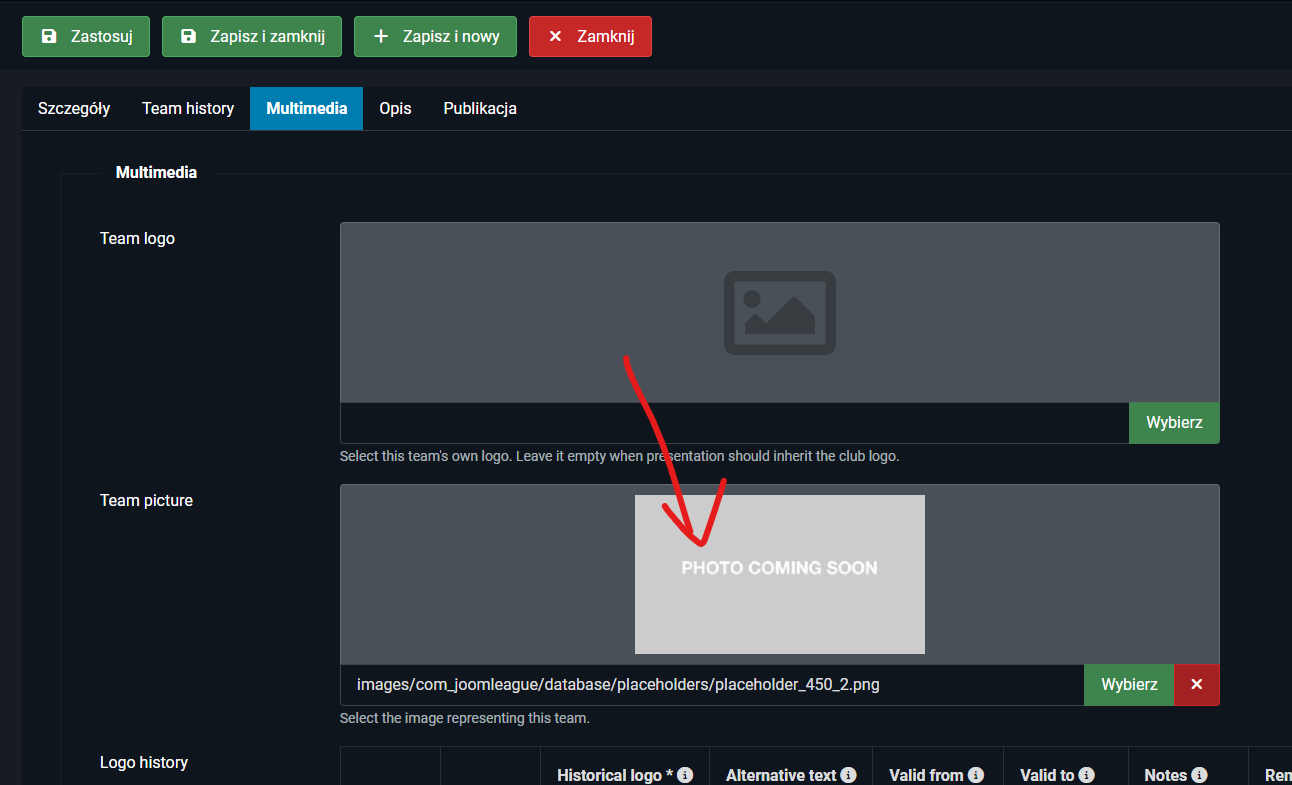
JoomLeague 6.2 uses one source club logo instead of three separate fields for small, medium and large logos. A team can have its own logo; if it does not, it inherits its club’s logo.
The /media/com_joomleague/... path is not a mandatory new location for club images. The default location for new media is images/com_joomleague/. The corrected image resolution respects the stored path and can also find an existing file in known legacy directories, including images/com_joomleague/database/. You therefore do not need to manually move all your original images into media.
It is important to distinguish database migration from transferring the actual images: an SQL file contains paths, not the image files themselves. The original directories containing logos and photographs also need to be copied to the new site, ideally preserving their directory structure.
If a placeholder appears instead of a logo, that alone does not identify the cause. It could be a missing file or an incorrect stored path.
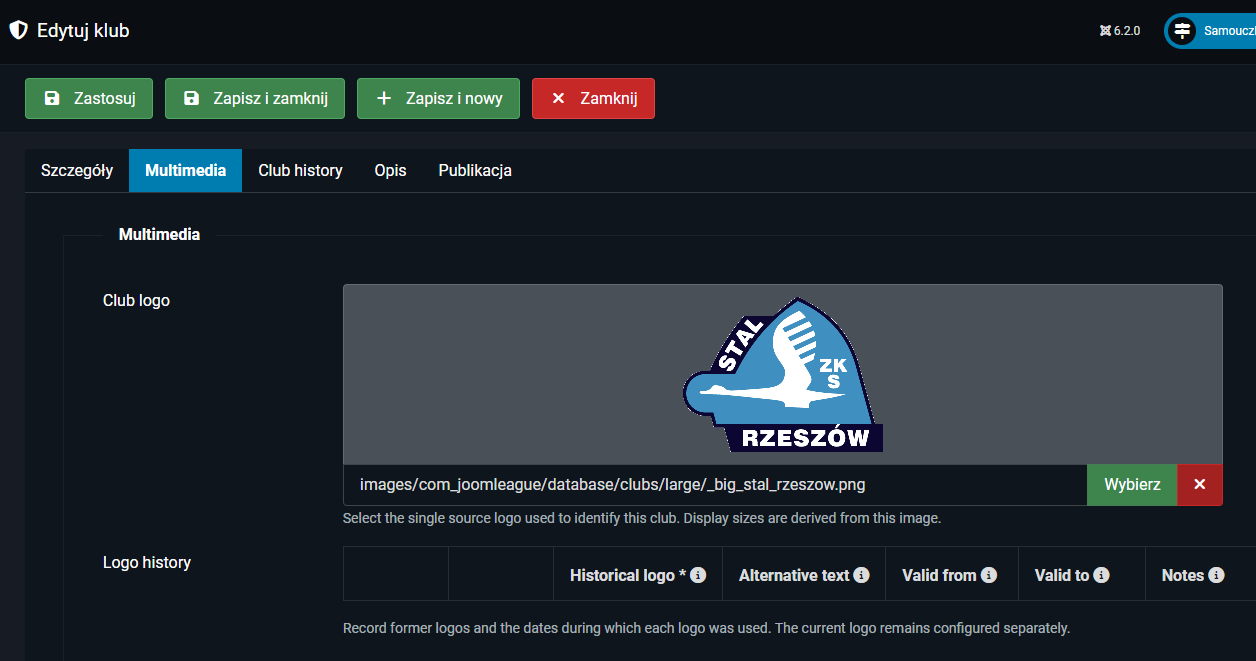
Could you please confirm whether the original images were transferred to the new site and whether, for example, images/com_joomleague/database/clubs/large/_big_stal_rzeszow.png actually exists there?
Yes, preserving the original directory structure is correct. I checked both image URLs, and the logo is available on the new site and is identical to the original file.
Could you please open the Stal Rzeszów club in the administration and check the value stored in its logo field? The expected path is:
If the field is empty or contains a different path, please share its value. This will help us distinguish between an incorrectly migrated value and a display problem affecting a correctly stored path. There is no need to copy the image again.